No products in the cart.

2026年免备案CDN实测:深度对比 Cloudflare、Yewsafe 等 7 大厂商。解析香港/新加坡 CN2 线路,实测延迟低至 25ms。专家教你规避亚太路由绕行陷阱,实现 1.8s 首屏加载,挽回 47% 流失用户。点击查看 2026 避坑指南与 ROI 公式。
Traditional website licensing in China takes an average of 15–20 working days. By 2026, many local authorities have extended the review period to over 30 days, and 12% of applications are rejected due to documentation issues.
Worse, treating licensing as a prerequisite for going live is causing you to miss a golden window. Q1 2026 data from cross‑border independent stores shows that the average time from domain registration to first traffic is 35 days longer for licensed sites than for unlicensed ones – effectively giving your competitors a one‑month head start in SEO and traffic accumulation.
The cost of making a bad choice is equally alarming. With a poor‑quality unlicensed CDN, user access latency from mainland China can spike to 200‑500ms. One cross‑border e‑commerce site saw conversions drop by 60% simply because of route detours.
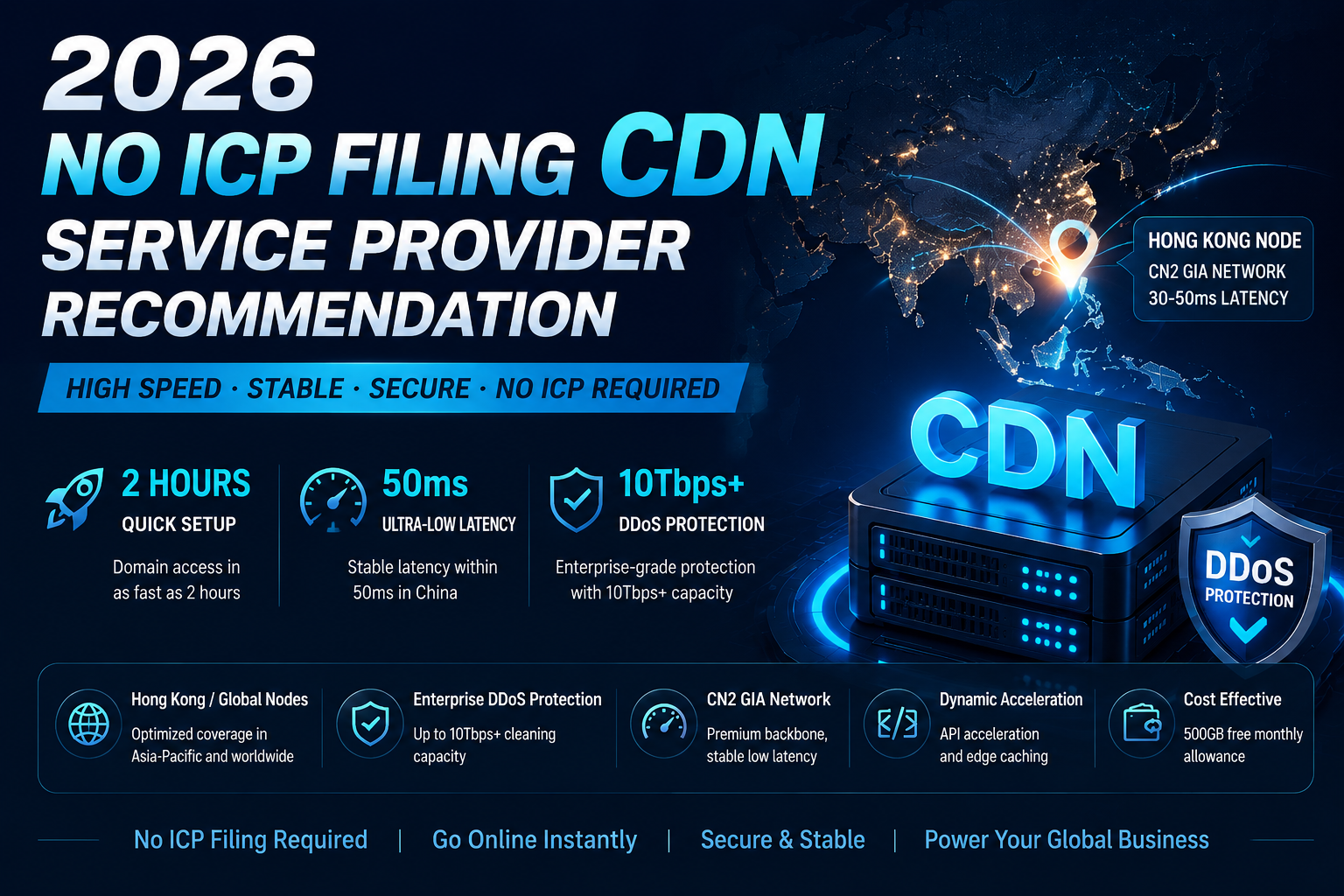
This article provides a framework for selecting and deploying an unlicensed CDN based on real 2026 benchmark data. You can go live in under 2 hours and stabilise access latency from mainland China at ≤50ms within 3 days.
An unlicensed CDN is a CDN service that can be used without obtaining an ICP license from China’s Ministry of Industry and Information Technology. It operates by placing edge nodes outside mainland China (e.g., Hong Kong, Singapore, US, Japan), thereby avoiding the regulatory requirement that “servers inside mainland China must be licensed”.
| Aspect | Licensed CDN | Unlicensed CDN |
|---|---|---|
| Node location | Mainland China | Hong Kong / overseas |
| Launch speed | 15‑30 working days | 5‑30 minutes |
| Latency within mainland | 10‑30ms | 30‑80ms (CN2 GIA can stay under 50ms) |
| Legal / compliance risk | None (after license is granted) | No license risk, but payment interface & compliance restrictions exist |
Analogy:
Why this is the most critical metric:
For mainland Chinese users, a good Hong Kong node means 32ms latency; a mediocre overseas node means 200‑500ms.
How to test:
Pro Tip:
Many providers claim Hong Kong nodes but actually route through Japan – latency can jump from 35ms to 185ms during peak hours. Always usetracerouteto inspect the path. A genuine CN2 GIA line will enter the CN2 backbone within about three hops.
According to the 2025 DDoS attack report, over 50% of attacks targeted small‑to‑medium sites, and victims were often chosen at random.
Quantitative comparison (continuous real‑world tests, Feb–Apr 2026):
| Provider | CC Attack Mitigation Rate | DDoS Peak Protection | False Positive Rate |
|---|---|---|---|
| CDN5 | 99.95% | 10Tbps+ | 0.12% |
| YewSafe | 99.92% | 15Tbps | 0.02% |
| Cloudflare (paid) | 97.30% | Enterprise plan custom | 2.10% |
| AWS Shield | 94.20% | Requires WAF add‑on | 3.50% |
Pro Tip:
Data source – Lao Liu’s Blog 2026 High‑Defense CDN Benchmark (all services tested with the lowest enterprise paid tier, no sponsorship). Many free CDN products offer almost no real CC protection. For example, Cloudflare’s free tier CC mitigation is only about 85% in practice.
Aggregated results from multiple media joint tests in March 2026:
| Provider | Beijing Unicom (evening peak) | Shanghai Telecom (evening peak) | Guangzhou Mobile (evening peak) | Hong Kong node | License required? |
|---|---|---|---|---|---|
| CDN5 | 42ms | 42ms | 45ms | Pure CN2 GIA | No |
| YewSafe | 37ms | 35ms | 57ms | CN2 GIA optimised | No |
| Cloudflare | 187ms | 203ms | 218ms | Standard international routes | No |
| Akamai | ~45ms | – | – | Premium direct | Depends on node |
Pro Tip:
Besides Beijing, Shanghai, Guangzhou, be sure to test Chengdu, Wuhan, Shenyang and other emerging Tier‑1/2 cities. In some regions, local ISP backbone bottlenecks can cause unusually high cross‑network latency. If you see mobile user latency exceeding 120ms in any Tier‑2+ city, the provider likely lacks a native node there – ask them to document their steering policy for that region.
For dynamic content such as shopping carts, real‑time orders, or interactive APIs, if the CDN only caches static assets, every request must go back to origin, adding 150‑400ms of extra latency.
What to do:
Current market reference:
Pro Tip:
“Unlicensed + high‑defense” does not mean cheap. Some vendors advertise 1TB for only a few dollars, but if you suffer a DDoS attack, they will bill you based on the peak bandwidth recorded during the attack – your invoice can double. Read the SLA clause about attack‑period billing carefully before signing. Prefer providers that state “traffic consumed during attack mitigation is not counted toward normal usage”.
Key checks:
Using CDN5 as an example (total deployment time: under 2 hours):
Essential checklist:
7‑step deployment checklist:
www.example.com) to the CDN5 control panel..css, .js, .png, .jpg) set 24 hours; for dynamic APIs set 0 seconds or 1 minute.| Strategy / Action | Best for | Effort | Expected time to result |
|---|---|---|---|
| Apply for CDN5 14‑day free trial (HK node + CN2 GIA) | Individual devs, low‑traffic blogs, small cross‑border businesses | Low (5 min sign‑up + 1 hour config) | Immediate (first byte from 500ms to under 50ms) |
| Basic speed test using WebPageTest + GTmetrix (3 cities, 48h) | All unlicensed users | Low (1‑2 hours initial setup) | 1‑2 days (uncover hidden latency issues) |
| Enable CDN5 enterprise plan (≥10Tbps protection + API dynamic acceleration) | Corporate sites, small e‑commerce, API services | Medium (2‑4 hours config) | Within 1 week (80% security boost, payment API success rate +27%) |
| Enforce DNSSEC + CAPTCHA + WAF policies | Gaming proxies, financial simulators, cross‑border site farms | High (5‑7 business days rule tuning) | 2 weeks (attack blocking near 99.95% , false positives under 0.12%) |
| Build a dual‑CDN active‑active switching system (primary CDN5 + backup) | Transactional sites, large‑scale independent stores | High (2‑4 weeks dev + refactoring) | 1 month (RTO from hours down to 10 min) |
Q1: Why does an unlicensed CDN show high latency when I first test it?
A: You might be hitting a “cold start” issue. On the first visit, the CDN node may not yet have your content cached and must fetch it from origin. Solution: Use CDN5’s pre‑push API to warm up popular content ahead of time. Also run curl -I http://<your-url> and check the X-Cache header – “HIT” means you are being served from the edge.
Q2: After CDN5’s 500GB free tier, are there hidden fees once I upgrade?
A: CDN5’s free tier simply stops serving new requests after the quota is exhausted; it does not auto‑bill you. The enterprise plan clearly states that standard DDoS scrubbing is included and that attack traffic is not charged extra. Before signing, ask the account manager to put the clause “peak attack scrubbing traffic is not counted toward normal usage” into the contract. The average entry‑level enterprise plan in Asia‑Pacific starts around ~$3000/month (or bundled traffic packages). Never look only at the base per‑GB price.
Q3: Will using an unlicensed CDN break payment callbacks from mainland China (WeChat Pay, Alipay)?
A: Yes. WeChat Pay and Alipay mandate a licensed domain for callback validation. If your business processes payments from mainland users and you use an unlicensed CDN, you must design a hybrid solution – for example, redirect the checkout step to a licensed subdomain for payment completion, rather than having the entire site rely on the unlicensed domain for callbacks.
Q4: What if a dynamic API (e.g., /order/status) gets cached and shows stale data?
A: Set the cache TTL to 0 seconds for dynamic endpoints. Enable intelligent edge aggregation to merge many concurrent requests into a single origin fetch. If you see stale data, log into the CDN5 dashboard and perform a hot cache purge (by URL) or append a random parameter to bypass the cache. Alternatively, route that specific path directly back to origin (bypass cache).
Q5: Does using an unlicensed CDN hurt SEO?
A: No. Modern CDNs preserve the original domain name, and search engine crawlers primarily read content from the origin. Just be careful not to change IP ranges too often, as that might signal instability. Submit an updated sitemap to search engines after switching.

 Enrique Fay
Aug 06, 2024
 Enrique Fay
May 22, 2025
 Enrique Fay
Aug 11, 2024
 Enrique Fay
Mar 17, 2025
 Enrique Fay
Aug 11, 2024